BARS • RESTAURANTS • HOSPITALITY   |   TALK TO A SPECIALIST: 1-800-650-4060
Bar SpecsBAR SPECSLIQUOR CONTROL & POS SOLUTIONS
Store home / Buying guide

Choose equipment with confidence.

Start with what you need to control, connect or speed up. Use the product descriptions and these checks to narrow the options.

A FEW SIMPLE QUESTIONS

Let’s find what you need.

Tell us what you want to do. We’ll point you to a short list of products and the details to confirm before buying.

Question 1

Loading the equipment finder…

Actual Spy Lite controller and attached control head01 / LIQUOR CONTROL

Choose the right control level.

Count stations, bottles and draft lines. Decide whether portion programming, brand recognition or POS integration is essential.

  • Spy Lite: compact portion-control option.
  • Spy Pro: liquor and draft-beer monitoring.
  • Octopus: brand identification and programmable management.
Explore systems
RFID regular liquor-control spout02 / SPOUTS & SEALS

Fit comes first.

A spout number does not establish compatibility with every bottle or control unit. Match the system and bottle before adding replacements.

  • Check your existing controller model.
  • Confirm standard vs larger bottle openings.
  • Ask about RFID programming and high flow.
Explore spouts
Illustrative Clover Duo checkout station in a restaurant03 / POS & SOFTWARE

Know what is included.

Hardware, software, processing and installation are separate decisions. Clover listings may require a merchant account; software listings may exclude hardware.

  • Check operating-system compatibility.
  • Confirm ongoing license and processing fees.
  • Read each bundle’s component list.
Explore POS equipment
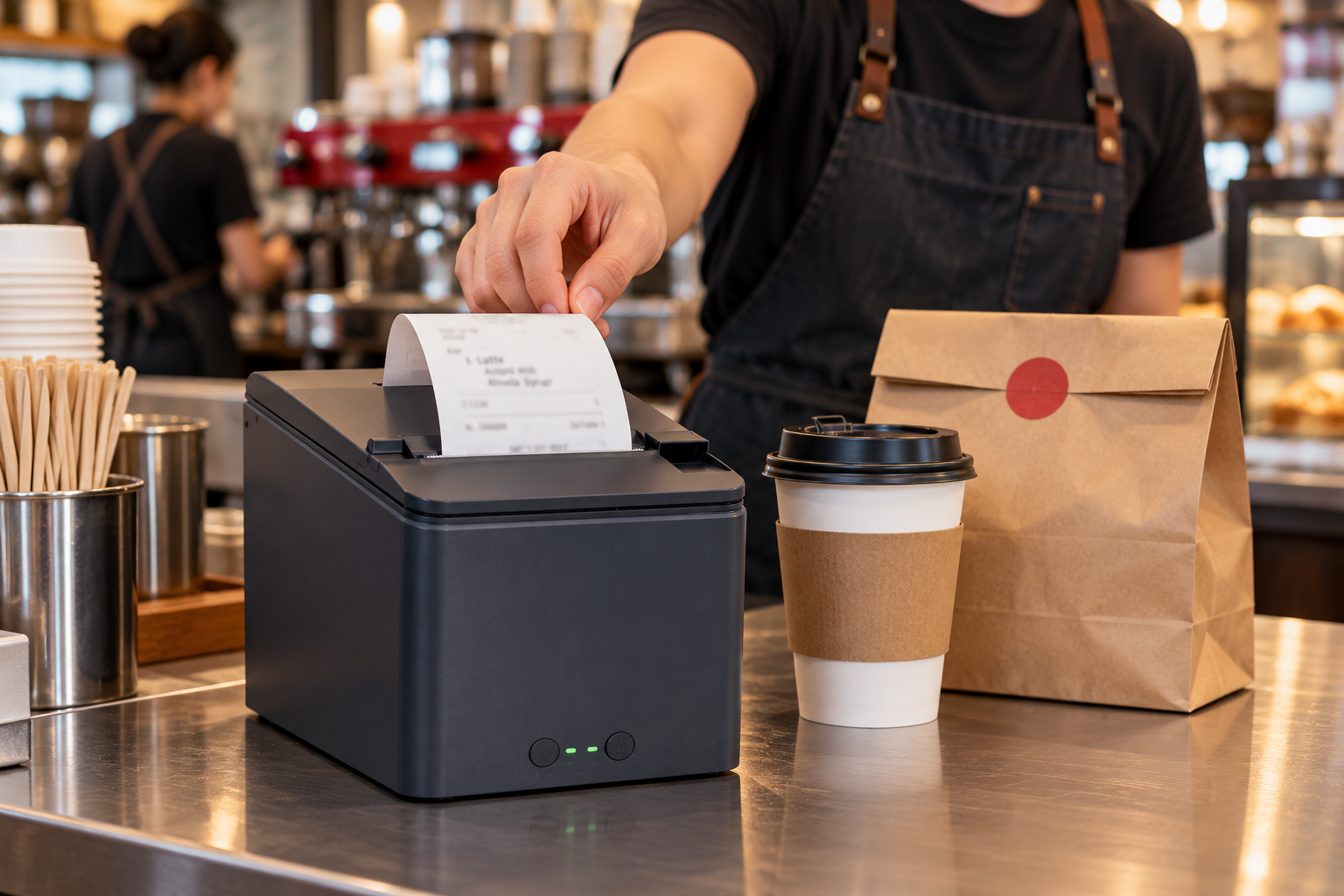
Illustrative SNBC label printer at a service counter04 / PRINTING

Match the connection and media.

USB, Serial and Ethernet options are not interchangeable without checking your terminal and software.

  • Choose label, thermal receipt or impact printing.
  • Verify paper width and compatible media.
  • Confirm drivers, cables and power supply.
Explore printers
Chef Tab kitchen order display hardware05 / KITCHEN WORKFLOW

Connect the whole order path.

Check that orders can move from the POS into the kitchen display or printer you choose.

  • Confirm controller and bump-bar contents.
  • Check HDMI or other display connections.
  • Confirm monitor and installation needs.
Explore kitchen displays
Actual Octopus Lite liquor-control hardware06 / YOUR NUMBERS

Understand your pour costs.

Estimate liquor cost and the effect of a larger free pour using your own prices and weekly sales volume.

  • Separate liquor-cost savings from sales potential.
  • Use realistic pour-size estimates.
  • Discuss the right setup with a specialist.
Open the calculator

Compare liquor-control systems.

SystemSpy Lite Kit Liquor Control SystemSpy Pro Draft beer integration includes programingOctopus Lite Brand ID Liquor Control SystemOctopus IP Pro draft beer integration kit includes programing
Price$1,500.00$3,500.00$2,500.00$4,500.00
Price / brand organization15 price categories; unlimited bottles15 price categories; unlimited bottlesMonitors 256 specific brandsMonitors 256 specific brands
Portion programming4 individually programmable portions4 individually programmable portionsPouring portions and portion sizesPouring portions and portion sizes
Draft beerConfirm requirements with Bar Specs6 built-in connectors; expandable to 70 lines with additional boardsConfirm draft-beer requirements with Bar Specs6 base lines; expandable up to 70
Before purchaseConfirm included spouts, setup, POS interface and installation.Confirm included spouts, setup, POS interface and installation.Confirm included spouts, setup, POS interface and installation.Confirm included spouts, setup, POS interface and installation.

Feature summary based on the current product descriptions. Confirm the final configuration, accessories and installation with Bar Specs.

CONTROL AT THE POINT OF POUR

Built around the bottle.

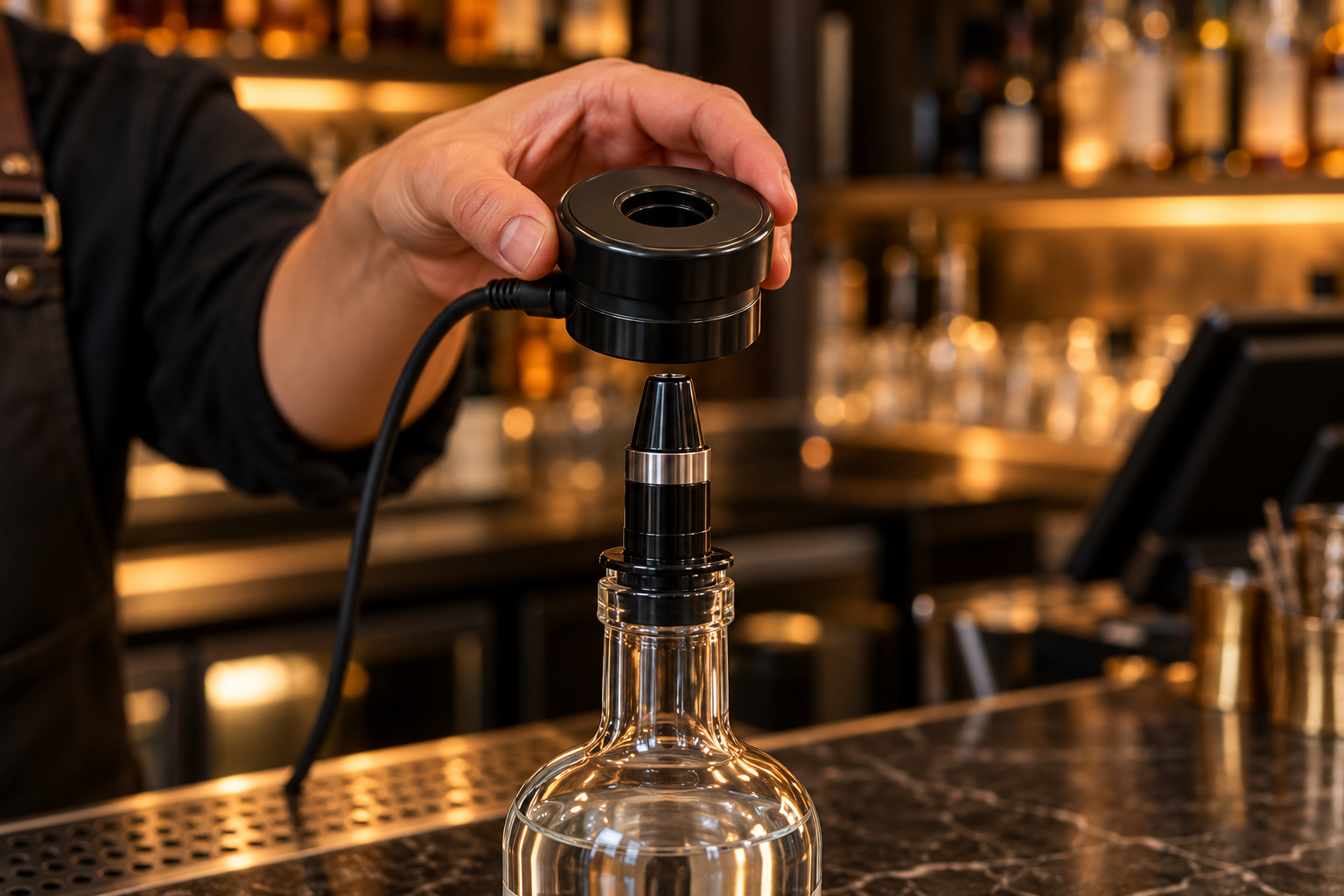
The cabled control ring fits over a fitted bottle spout. See how that simple connection brings controlled dispensing into a familiar bar workflow.

Illustrative bar scene showing a cabled black control ring aligned above the fitted bottle spout
01 · Fit the ring.The control ring seats over the spout at the bottle mouth.
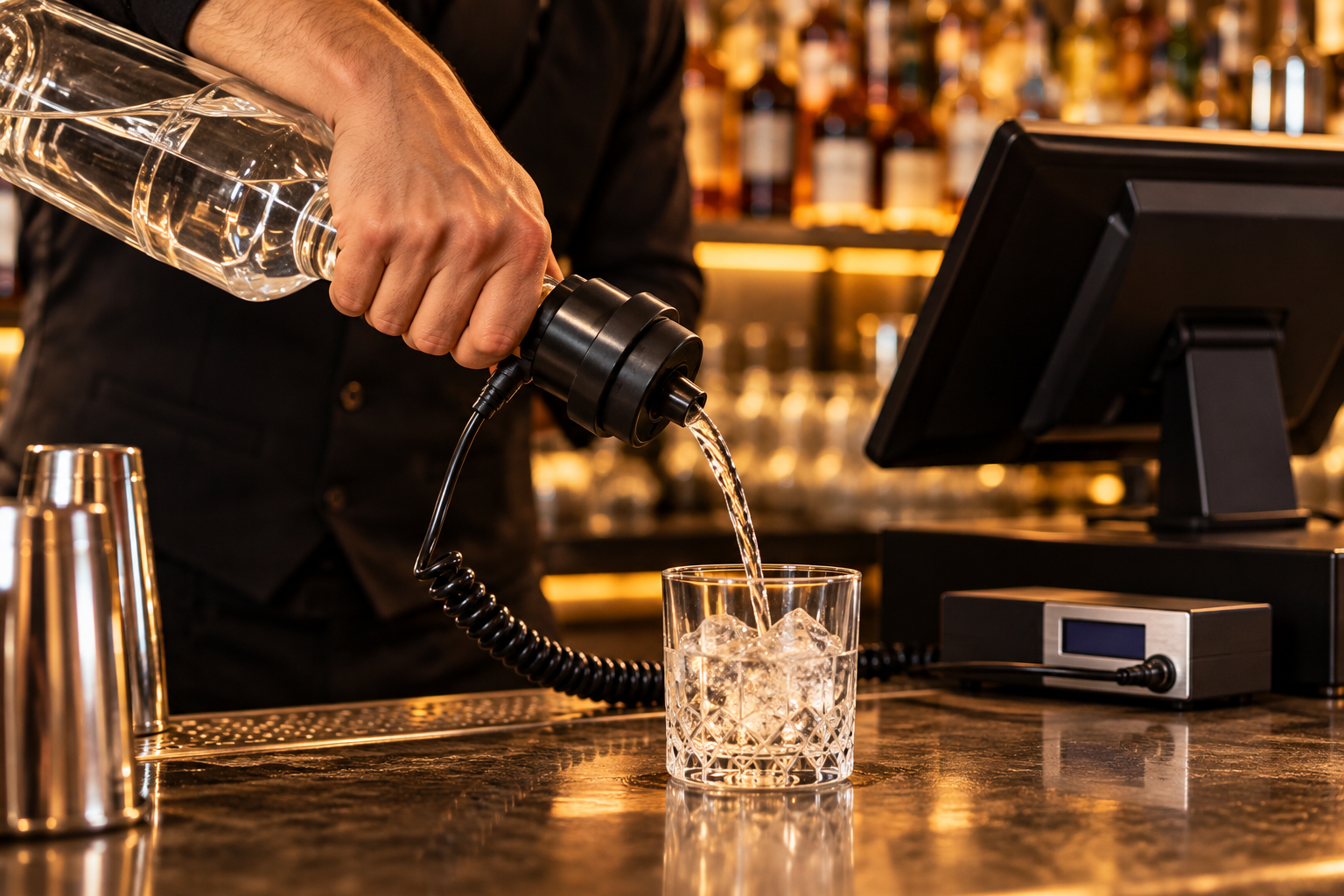
Illustrative bartender pouring into a rocks glass through a cabled control ring seated around the bottle spout
02 · Pour with control.The side cable connects the ring to the controller at the bar station.

Illustrative scenes based on the system design. Equipment appearance and package contents vary by model; confirm your chosen product's details before ordering.

Not sure what fits?

Tell us your current POS, control system, bottle types and service workflow. We can help you narrow the choice.

Request a consultation
Chat with us